
Managers stay in control
Admins own the campaign end to end. Set it up, define outcomes, assign reps, teams, or AI Voice Agents, adjust the list while it runs. Reps and AI Voice Agents just need to call.
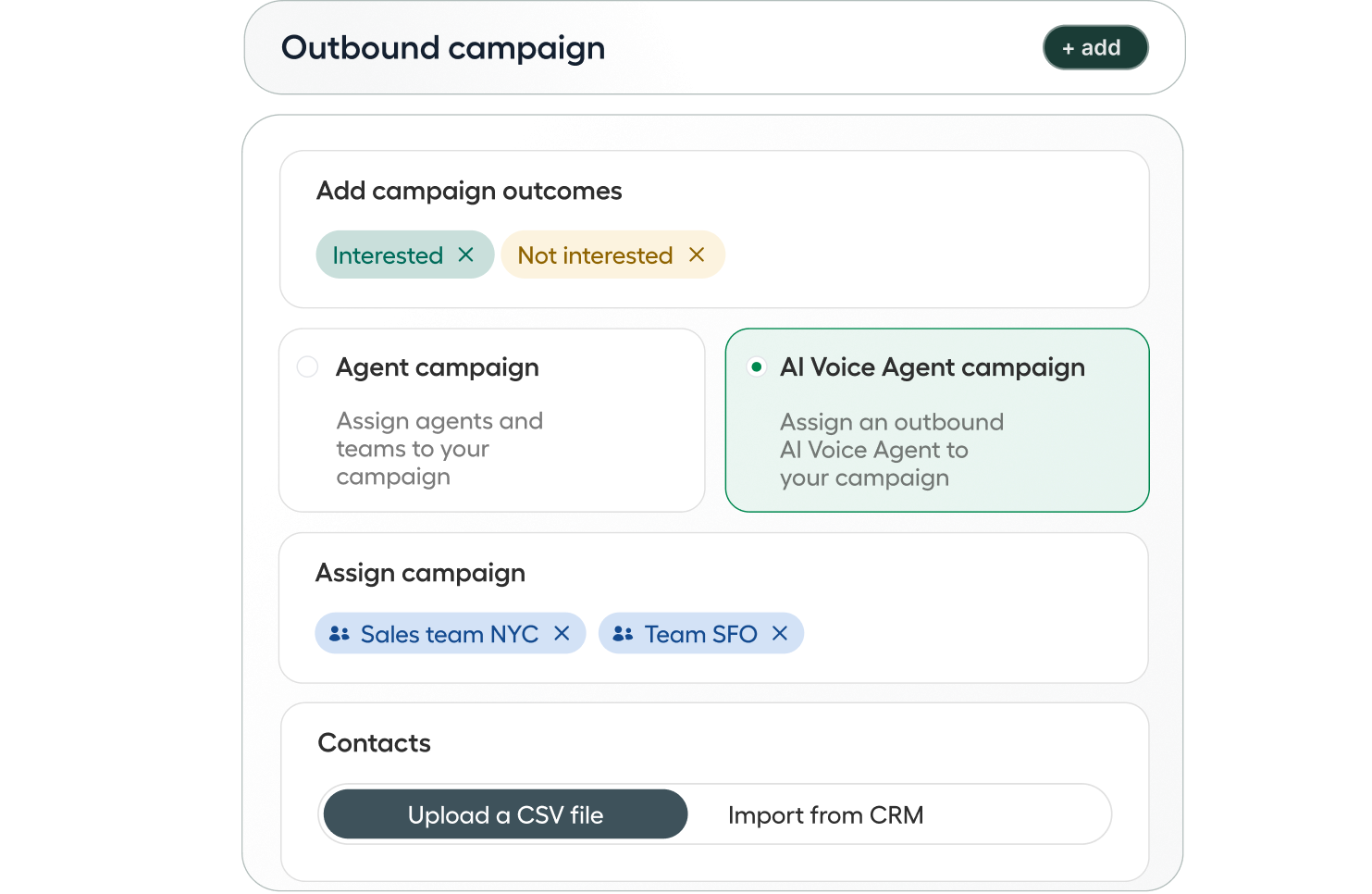
Outbound Campaigns
Run coordinated outreach at scale: no manual spreadsheets, duplicate calls, or blind spots. Admins set it up once. Reps and AI Voice Agents just call.
AI-led (all plans) or human-led (Professional plan) campaigns · Works with your existing integrations and automations · Native list import from HubSpot
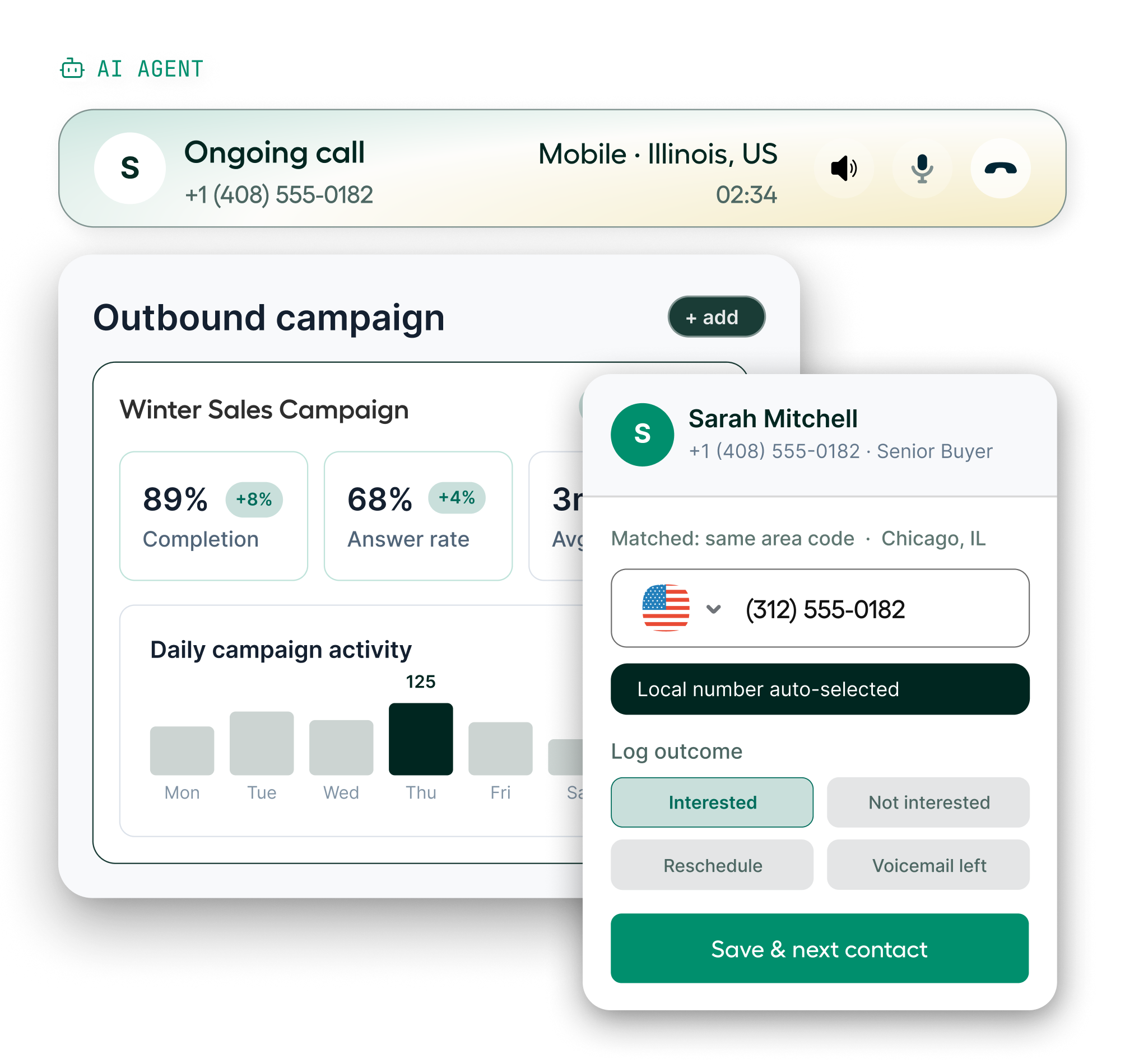
From contact import to post-call outcomes and reporting, Outbound Campaigns handles the whole workflow. Your team focuses on calls.
Admins own the campaign end to end. Set it up, define outcomes, assign reps, teams, or AI Voice Agents, adjust the list while it runs. Reps and AI Voice Agents just need to call.
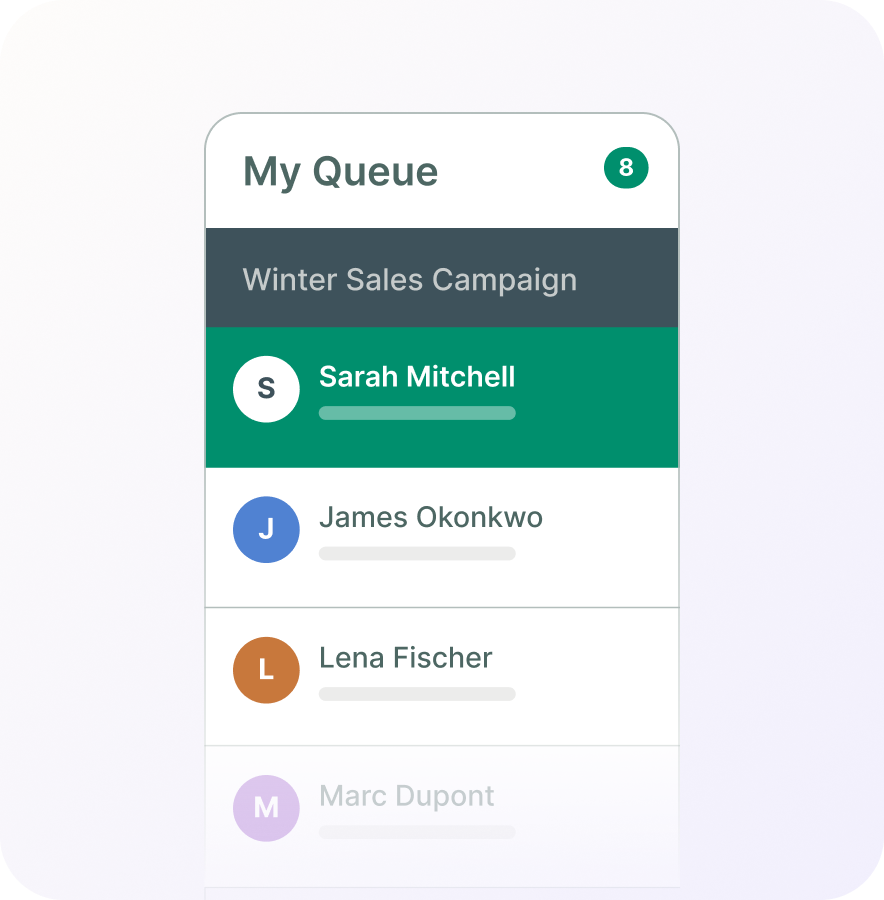
Reps share one queue. Aircall distributes contacts automatically, so no unwanted duplicates dial within the same session, even when ten people are on the campaign.
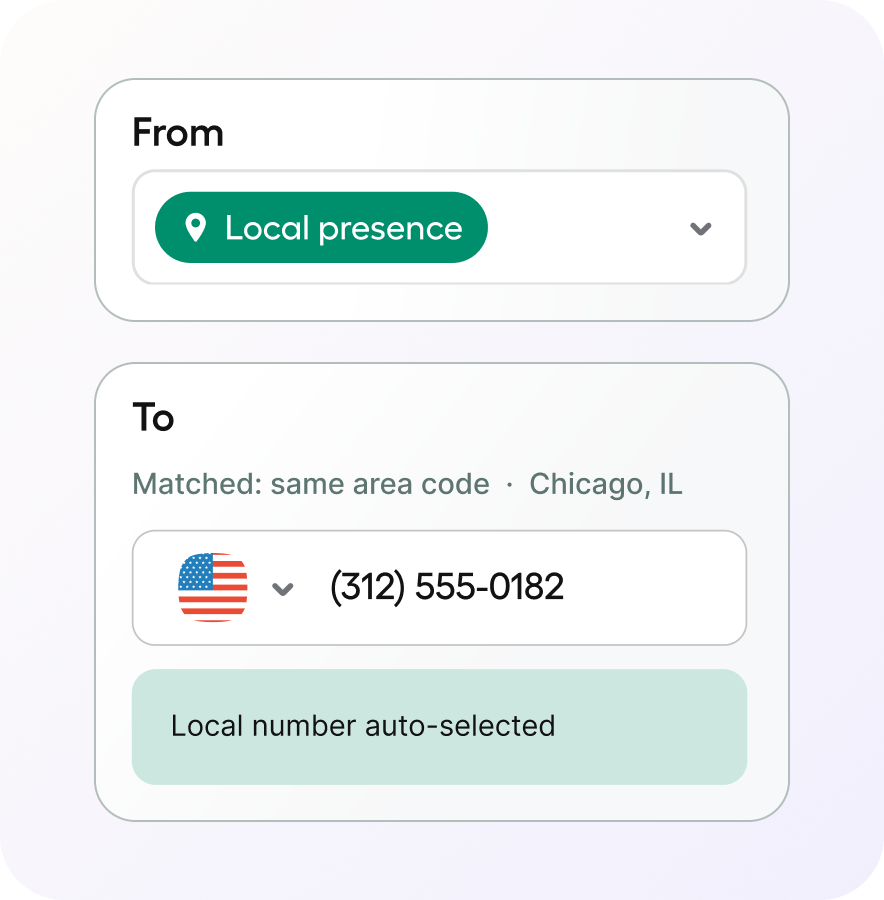
Match the right caller ID to every call. Rotate through a number pool or use Local Presence for a familiar area code and higher answer rates.
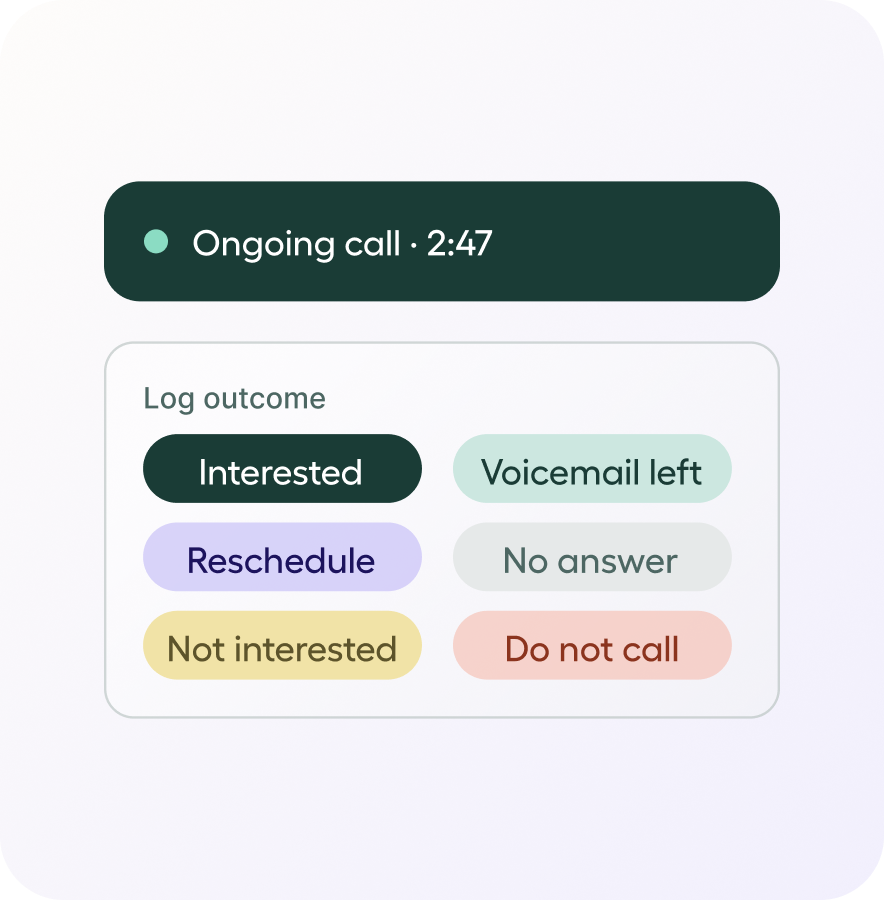
Define up to 10 custom outcomes per campaign. Aircall tracks results per contact across multiple attempts, so your CRM and Analytics show what's working and where to follow up.
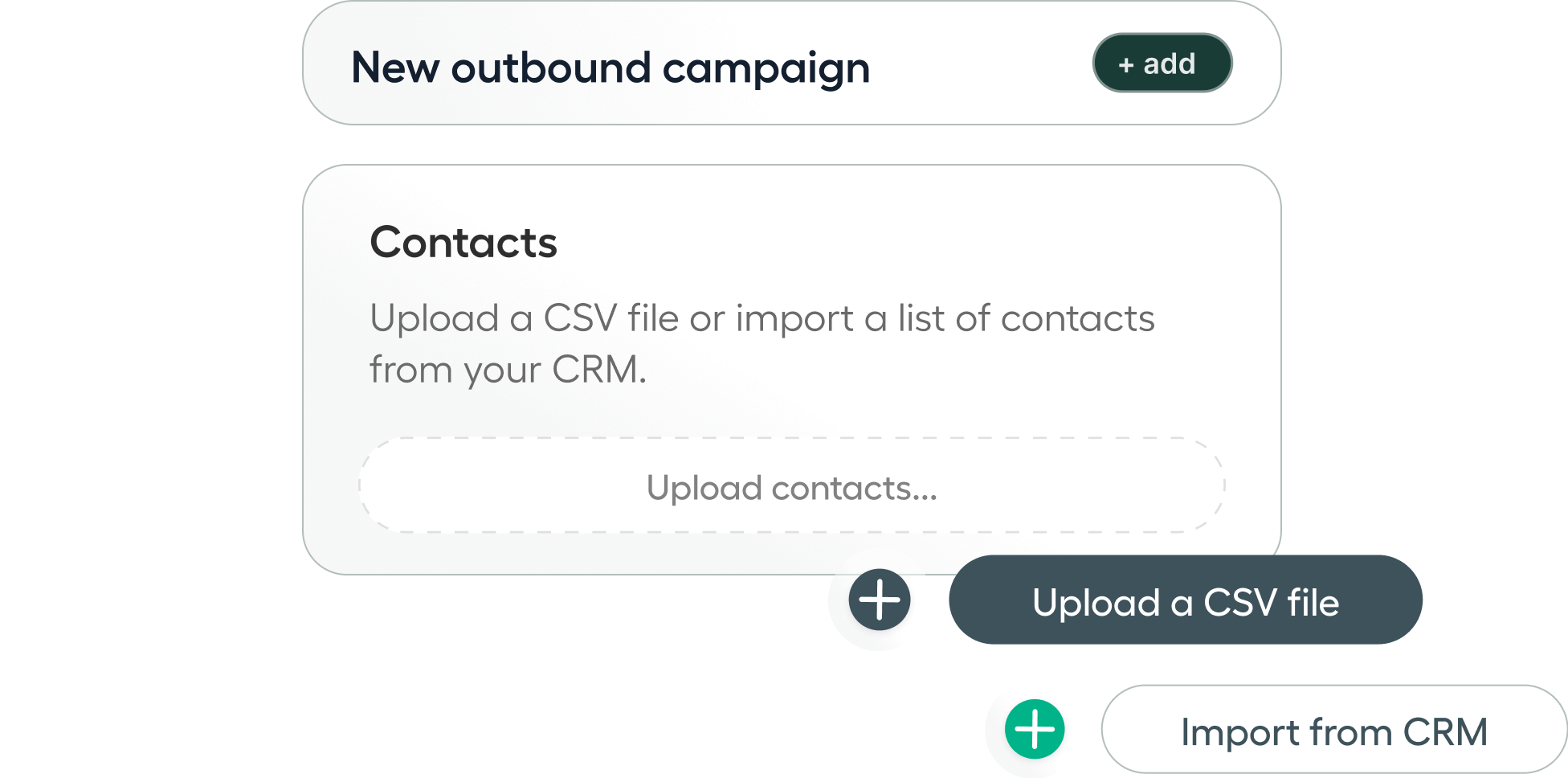
Upload contacts directly via CSV, or pull a static list straight from HubSpot. Up to 5,000 contacts per campaign, with CRM sync rules respected at call time and after the call.
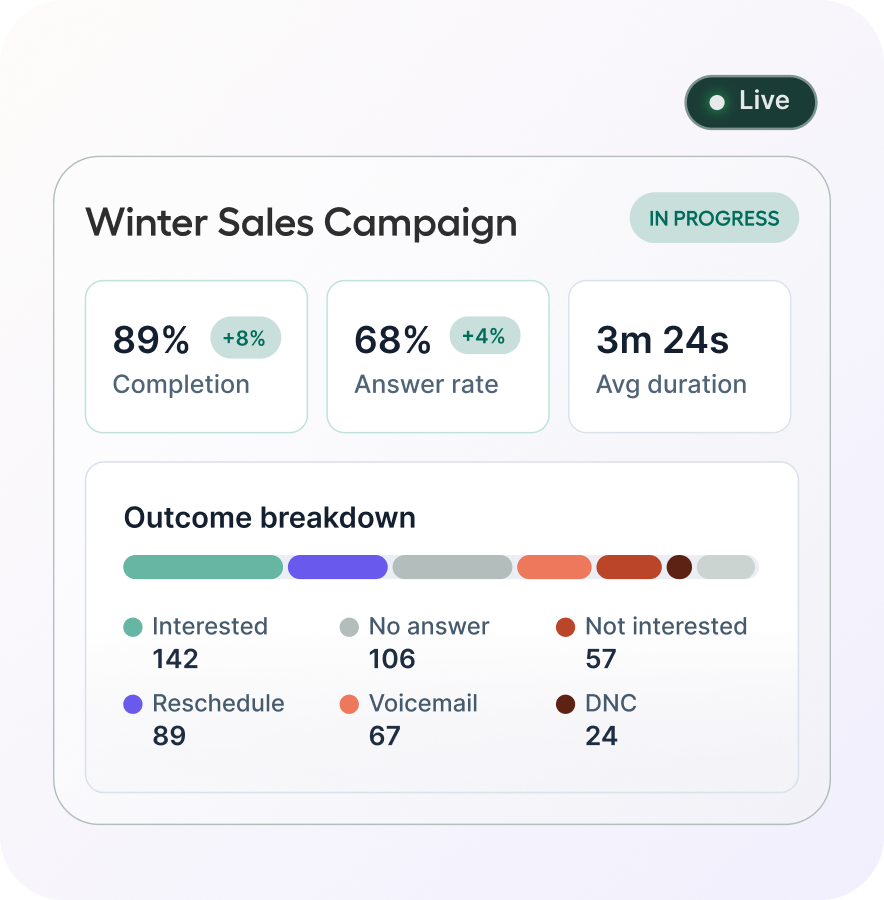
Watch completion, answer rate, and talk time while the campaign runs. Full outcome and productivity dashboards land the moment the team wraps.
Two views, one campaign. Here's what each side sees.
Set up the campaign
Name the campaign, define custom outcome labels (up to 10), and assign the reps or AI Voice Agents who'll be calling.
Choose your dialing strategy
Select which outbound numbers to use and display as caller ID — rep default, a number from the fixed pool or a number based on Local Presence match. Then set the pace: attempts, retry interval, and timeouts.
Import your contacts
Upload a CSV up to 5,000 contacts, or pull a list from HubSpot. For AI-led campaigns, map the variables (first name, company name) to your AI Voice Agent's greeting. Aircall flags invalid numbers and duplicates. Only clean records make the queue.
Launch and monitor live
Hit launch — reps are notified in real time. Add or remove contacts, adjust the rep roster, and track progress all from the Dashboard while the campaign runs.
Three features that lift answer rates and build caller trust: one included in Professional, two available as add-ons.
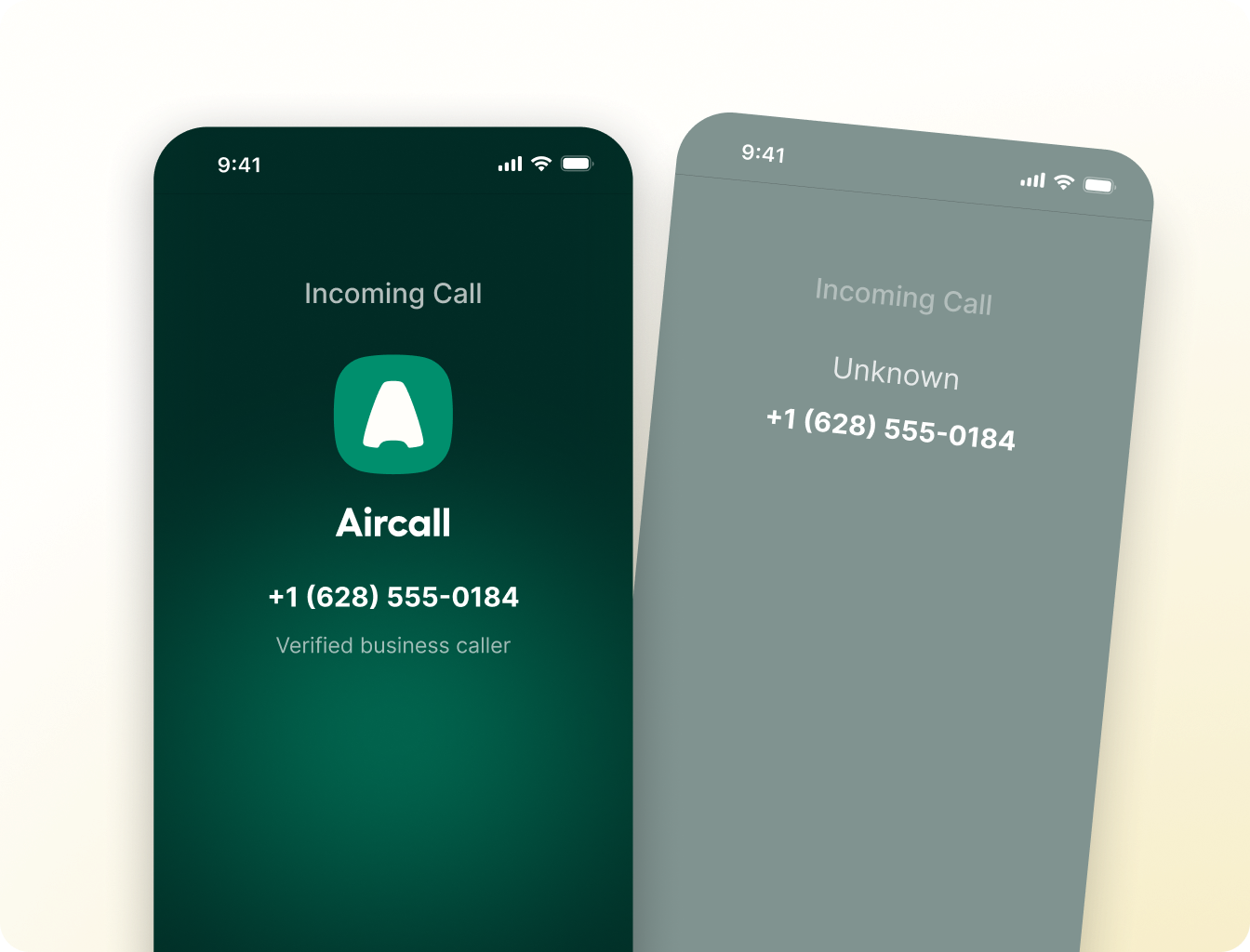
[US only, more markets coming soon]
Your business name and logo appear on the recipient's mobile device the moment a rep's call comes in.
[coming soon]
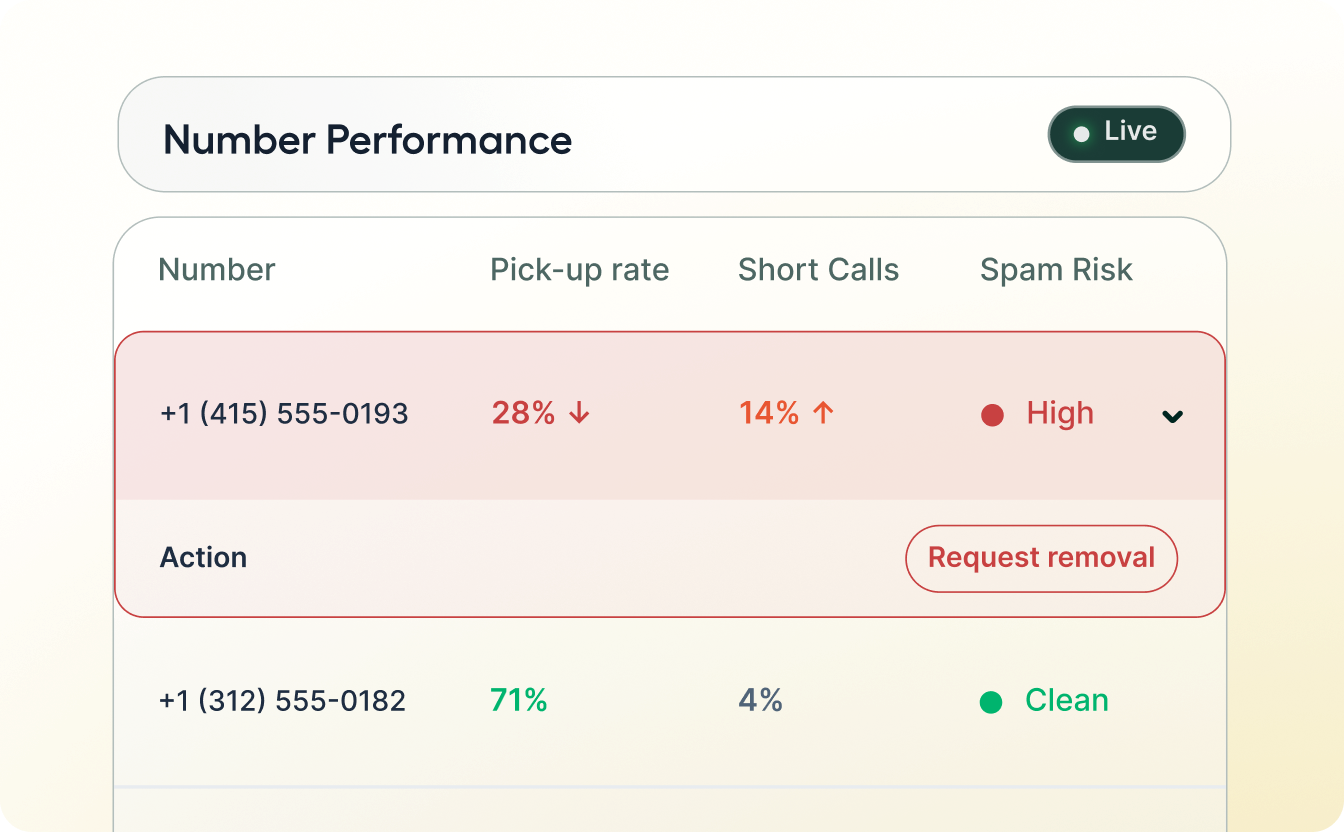
Your numbers have a reputation score and carriers use it to decide if your calls ever ring. The Number Performance Dashboard surfaces spam flags, pick-up rates, and blocked calls before they silently kill your pipeline.
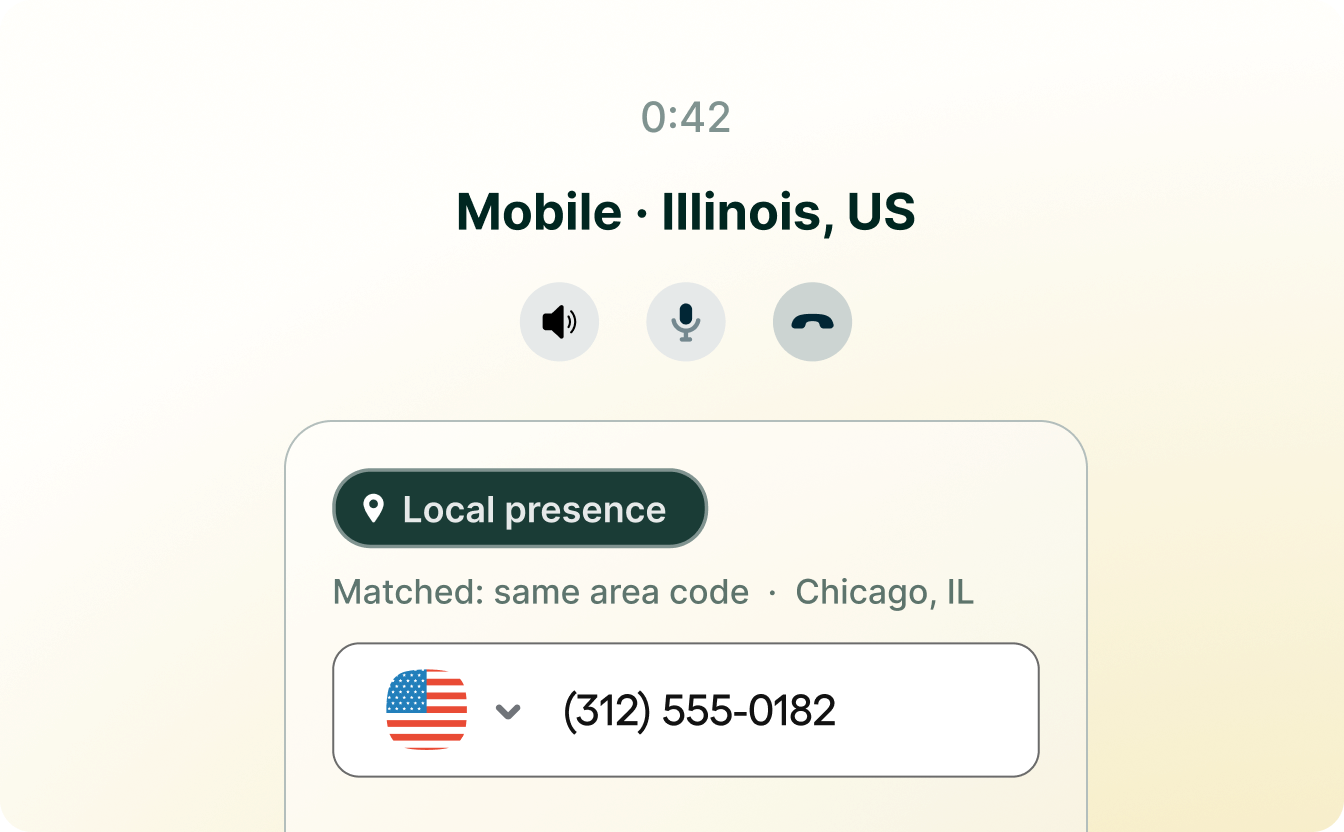
Picks the most relevant number from the rep's pool by matching the recipient's phone number based on area code or country. Callers see a number that looks local, which means more answered calls.
Get your questions answered and your first campaign off the ground.